Morse Code Keys
What a Key Actually Is
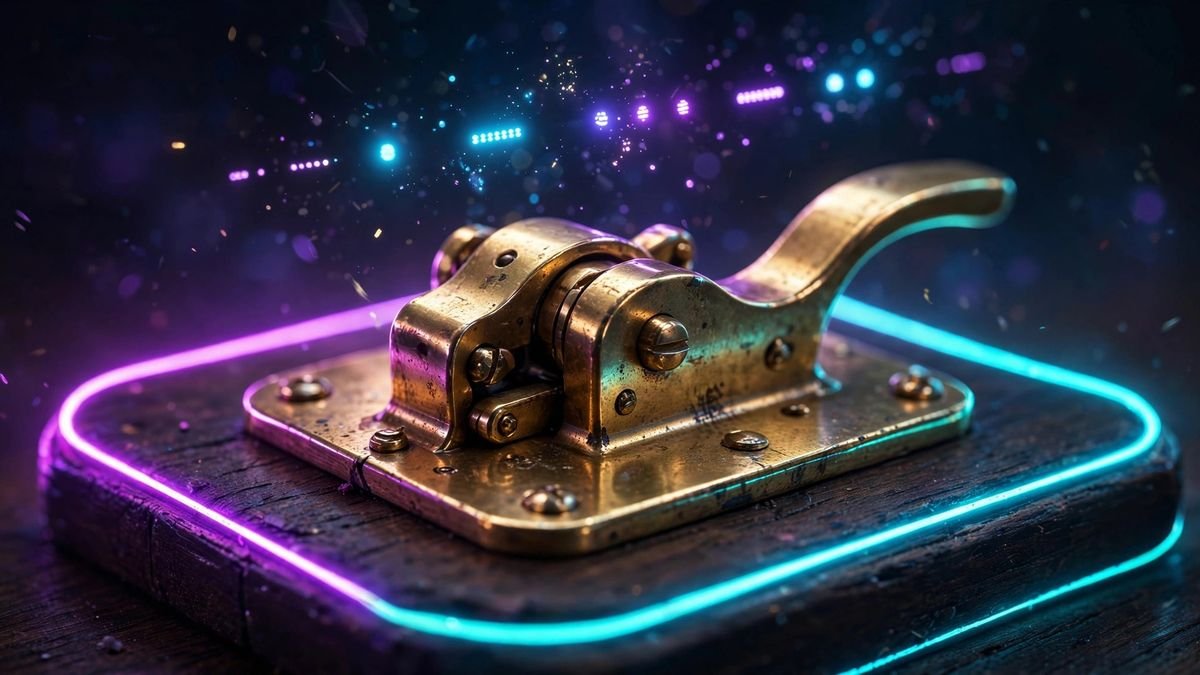
A morse code key is gloriously simple: a switch. Press it and your transmitter (or practice oscillator) turns on; release it and it turns off. Short press = dot, long press = dash. Everything else — the gleaming brass, the knobs, the century of arguments about which key is "best" — is about how easily and accurately a human hand can flip that switch thousands of times.
Receiving morse (copying by ear) and sending morse (keying) are two different skills, and sending has its own gear culture. There are four things you need to know about: the straight key, the iambic paddle, the bug, and the electronic keyer that powers the paddle. Let's take them in historical order.
The Four Keys, Explained
Straight key — the pump handle
The straight key is what Samuel Morse's operators used: a single lever you press straight down with your fingers. One press, one element. You make the dot short and the dash three times longer entirely by feel — the key contributes nothing but a satisfying click. That's both its virtue and its difficulty.
Why beginners should start here: a straight key forces you to internalize timing. Every dot and dash is your own muscle memory, which is exactly the foundation that makes advanced keys useful later. Skipping straight to a paddle is like learning to drive in a race car — you'll go fast and learn nothing.
Downsides: it's the slowest and most tiring option. Above ~20 WPM your wrist will file a formal complaint, and long sessions can cause "glass arm" (telegrapher's cramp — a real repetitive-strain injury with a 19th-century name).
Iambic paddle + electronic keyer — the squeeze key
The paddle looks like two small levers side by side. It does nothing on its own — it needs an electronic keyer, a little circuit (now usually built into the radio) that generates perfectly timed dots and dashes. Push the left paddle and the keyer sends a stream of dots; push the right and it sends dashes. Squeeze both and it alternates dot-dash-dot-dash automatically — that's "iambic" keying, and it's how most fast operators send today.
The magic is that the keyer handles timing, so your hand just decides which elements to send. Characters with alternating patterns practically send themselves: squeeze both paddles and out comes .-. (R) or -.- (K) with zero extra effort. This is why experienced operators can cruise at 30+ WPM on a paddle that would be agony on a straight key.
Downsides: the keyer is doing half the work, so sloppy paddle technique still produces sloppy code — garbage in, perfectly-timed garbage out. And cheap paddles with wobbly adjustments will fight you; a paddle is only as good as its setup.
The bug — Vibroplex and the vibrating pendulum
Before electronics, there was Horace Martin's Vibroplex (1904), nicknamed the "bug" after its logo. It's a mechanical marvel: push the lever one way and a weighted pendulum vibrates, automatically producing a stream of dots — the speed set by sliding the weight. Push the other way and you make dashes manually, one at a time.
Bugs were the speed demons of the early 20th century, and they have a devoted following to this day. But they're finicky: the dot speed depends on pendulum adjustment, temperature, and how level the table is, and a poorly adjusted bug produces the infamous "bug fist" — recognizable, rhythmic, and slightly off. They're a joy to own and a project to master, not a beginner's first purchase.
The electronic keyer — what "iambic A/B" means
The keyer is the electronics behind the paddle, and it has one setting that confuses everyone: iambic mode A vs. mode B. Both concern what happens when you squeeze both paddles and release them in the middle of an element:
- Mode A: the keyer finishes the element already in progress, then stops. Clean and predictable.
- Mode B: the keyer finishes the current element and adds one extra opposite element (a dot after a dash, or vice versa).
Neither is "correct" — it's pure muscle-memory preference, and nearly every keyer lets you switch. Beginners should pick one and never think about it again until someone on the air asks. (If you learn on B and borrow an A keyer, your sending will gain mysterious extra dots. Now you know why.)
Which Key Should You Buy First?
| If you… | Buy | Why |
|---|---|---|
| Are a total beginner | Affordable straight key | Builds real timing; cheap; the classic learning path |
| Want to get on the air fast | Straight key + practice oscillator | You can be sending -.-. --.- (CQ) within days |
| Already send cleanly at 15+ WPM | Single or dual-lever paddle + keyer | Speed and comfort for real QSOs |
| Love mechanical things | A used Vibroplex bug | Gorgeous, historic, and a lifetime project — after basics |
Practical buying advice: start with an inexpensive practice straight key — the kind sold for learners, not a museum-piece brass J-38 (though those are lovely). Check the used market; hams upgrade constantly and sell perfectly good keys cheaply. Avoid the trap of buying a precision paddle first: a $200 paddle won't fix a $0 fist. And whatever you buy, bolt it down — a key that walks across the desk teaches you nothing but chasing.
Try before you buy: generate perfectly timed audio with our generator to hear what clean sending sounds like, and practice the hand motion with the tap-key on the homepage tool — press-and-hold makes a dash, quick tap a dot. When your taps start sounding like the generator, you're ready for hardware.
Your "Fist": Handwriting on the Air
Ask an old-timer about someone's sending and they won't say "good" or "bad" — they'll say the operator has a good fist or a poor fist. Your fist is your personal timing signature: the exact length of your dashes, the weight of your spacing, the rhythm of your characters. Like handwriting, it's unique, recognizable, and hard to fake. Contesters swear they can identify regulars by fist alone before the callsign is even sent.
What makes a good fist? Three things:
- Full-length dashes. Beginners almost always send dashes too short — closer to 2 units than 3. A proper dash is unmistakably three times a dot. When in doubt, stretch it.
- Even spacing. The 1-3-7 rule (1 unit inside a letter, 3 between letters, 7 between words) is what separates readable code from mush. Most "bad fists" are just bad spacing. Drill it with our timing guide.
- Consistency. A fist with quirks is fine — every fist has quirks. What's unreadable is a fist that changes every transmission. Pick your rhythm and own it.
The beautiful part: once you have a good fist, it transfers between keys. The timing lives in your brain and wrist, not in the brass. That's why the straight-key-first advice exists — you're not learning a key, you're building the fist that every future key will serve.
Sending in the Real World
On the air, sending isn't just characters — it's conversation, and conversation has etiquette. A few things every new sender learns:
- Call CQ (
-.-. --.-) to invite anyone to answer, then DE (-.. ., French for "from") plus your callsign. "CQ CQ DE …" is the knock on the door. - End your turn with K (
-.-) — "go ahead." End the whole contact with the...-.-prosign (SK, "end of transmission"). Prosigns are the punctuation of conversation; the full set is on our prosigns page. - Signal reports use the RST system — you'll often receive
..... ----. ----.(599), meaning perfectly readable, strong, clean tone. Reply--... ...--(73, "best regards") when you sign off.---.. ---..(88) is the affectionate version. - Slow down for beginners. The fastest way to be liked on the CW bands is to match the other operator's speed. Nothing earns goodwill like a 30-WPM operator dropping to 12 WPM for a newcomer.
Frequently asked questions
What is a morse code key?
A morse code key is a switch that turns a radio (or practice oscillator) on and off to make dots and dashes. The main types are the straight key, the iambic paddle (used with an electronic keyer), and the semi-automatic "bug".
Should a beginner start with a straight key or a paddle?
A straight key. It teaches you to form every dot and dash yourself, building the timing foundation that makes paddles useful later. Start with an affordable practice straight key — a fancy paddle won't fix an untrained fist.
What is an iambic paddle?
A dual-lever key with two paddles — one sends dots, the other dashes — when connected to an electronic keyer. Squeezing both alternates dots and dashes automatically, making fast, clean sending far easier than a straight key.
What is a bug key?
A semi-automatic mechanical key, most famously the Vibroplex (1904). A vibrating pendulum makes dots automatically when you push one lever; you form dashes manually with the other. Fast, historic, and finicky — a second key, not a first.
What does "fist" mean in morse code?
Your "fist" is your personal sending style — the tiny timing quirks in your dots, dashes and spacing, like handwriting. Experienced operators can recognize each other's fists on the air. Full-length dashes and even spacing are what make a good one.
Can I practice sending without buying a key?
Yes. Generate perfectly timed practice audio with our generator, and use the tap-key on the homepage tool — quick tap for a dot, press-and-hold for a dash — to build the hand motion before spending money.
What is the difference between iambic mode A and B?
Both are electronic keyer settings for what happens when you release both paddles mid-squeeze. Mode A finishes the element in progress; Mode B adds one extra opposite element. It's personal preference — pick one and stick with it.
Train your ear before you buy.
Learn to copy by ear with the Koch trainer, then practice sending with the tap-key — free, no hardware needed.
Start training →